Service Offerings
Understanding service offerings in the booking system
Service offerings are what customers can book - consultations, vaccinations, health checks, and other services your pharmacy provides.
Service Catalogue vs. Offerings
The system has two levels:
- Service Catalogue - Services defined at your organisation level (e.g., "Vaccination", "General Consultation")
- Service Offerings - Your site's specific implementation of those services with pricing, duration, and availability
You enable offerings based on your organisation's service catalogue.
Where to Manage Service Offerings
Service offerings are configured during the Configure Bookable Services step of onboarding and can be managed from the Settings page under the Service Offerings section.
Tip: Use the command palette (Cmd+K or Ctrl+K) and search for "Services" to quickly navigate.
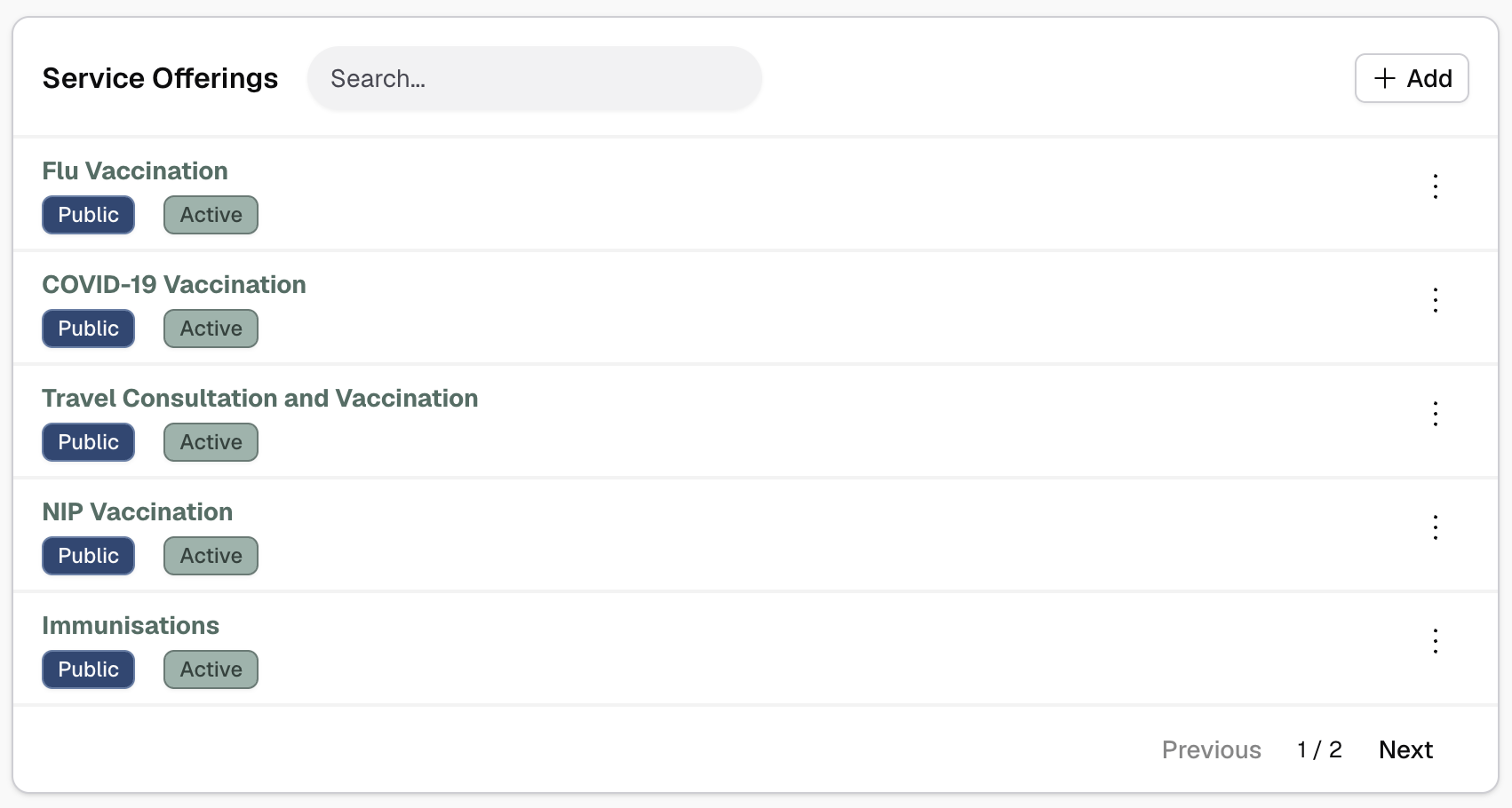
Offering Properties
Each service offering has:
- Duration - How long the service takes (in minutes)
- Pricing - Cost of the service (optional - leave empty for free)
- Availability mode - How availability is calculated
- Linked resources - Which resources can provide this service (if appropriate)
- Status - Active, inactive, or public/unlisted/private
- Transparent bookings - Whether repeated bookings can share the same slot without blocking availability
- Booking configuration - Buffers, advance booking limits
Some services use Transparent bookings so the same slot can stay available for repeated bookings. This is especially useful for session-style services such as offsite clinics. See Configuring Services for details.
How Offerings Work
When a customer wants to book a service:
- They select from your active, public offerings
- System calculates available time slots based on linked resources and service constraints
- Customer picks a time
- System assigns appropriate resources to the booking
Next Steps
Configuring Services
Setting duration, pricing, and booking options
Availability Modes
Linked Resources, Virtual, and Dynamic modes
Service Availability
Configuring availability assignments and schedules
Linking Resources
Managing resource assignments
Dynamic Availability
Automatic resource matching using requirements
Offering Groups
Organising related services with parent-child hierarchy
Variant Overrides
Customising individual variant settings
Capacity Limits
Setting daily, weekly, or monthly booking caps
Group Bookings
Allowing multiple attendees per appointment
Service Categories
Classifying services for navigation and filtering
Public Booking Page
Sharing, QR codes, alerts, and eligibility