Scheduling Catch-Up Dates
Set future review dates for overdue vaccinations
A catch-up date sets a future review date for managing overdue vaccinations. It appears in the Individual Indicators card on the patient's profile.
When to Schedule
- Patient has overdue vaccinations but cannot receive them today
- Temporary contraindication will expire and vaccination is needed afterwards
- Patient will return for vaccination at a scheduled future date
- Planning systematic completion of multiple overdue vaccinations
How to Schedule
- Open the patient's profile (must have green AIR badge)
- Find the Individual Indicators card
- Click the catch-up date action
- Select the future date for the vaccination review
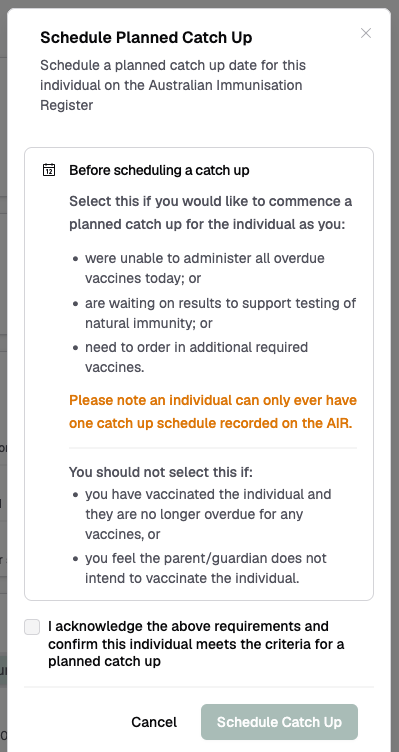
- Submit the date
- The catch-up date will appear in the Individual Indicators card
Only one catch-up date can be active per patient. Setting a new date replaces any existing catch-up date.