Viewing Individual Details
View patient AIR identification status, demographics, and individual indicators
Individual details show a patient's AIR identification status, demographic information, and special indicators.
How to View
- Open the patient's profile in Light
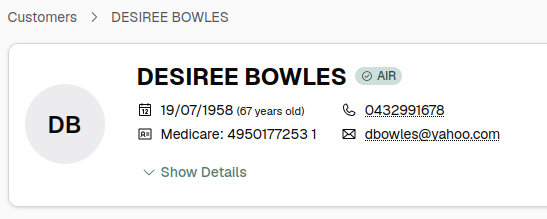
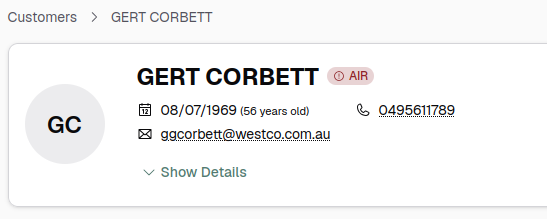
- Check the AIR status badge in the customer header
- If green (Identified), review the Individual Indicators card in the sidebar
Individual Indicators
The Individual Indicators card displays:
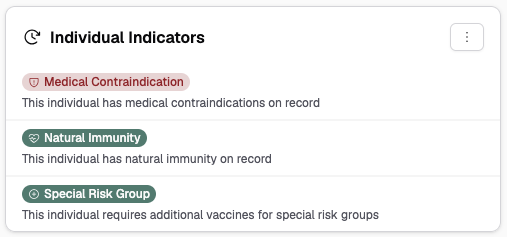
- Catch-Up Date — scheduled review date for overdue vaccinations
- Medical Contraindications — count of active contraindication records
- Natural Immunity — count of documented immunity records
- Vaccine Trials — clinical trial participation (read-only, submitted by researchers)
- Special Risk Groups — membership in special risk categories for vaccine eligibility
Actions
- Update Indigenous Status — click the indigenous status button in the card header to update Aboriginal and/or Torres Strait Islander status. See Updating Indigenous Status.
- Manage Vaccine Indicator — click the vaccine indicator button to add or remove the special risk group indicator. See Managing Vaccine Indicator.
Not Identified?
If the badge is red, the patient was not found in AIR. Common causes:
- Incorrect Medicare card number
- Wrong Individual Reference Number (IRN)
- Date of birth mismatch
Verify the patient's Medicare card details and update in Light if needed. See Patient Identification Issues for more help.