Default Vaccines Management
Configure which vaccines appear when recording encounters
7 April 2026 · Feature
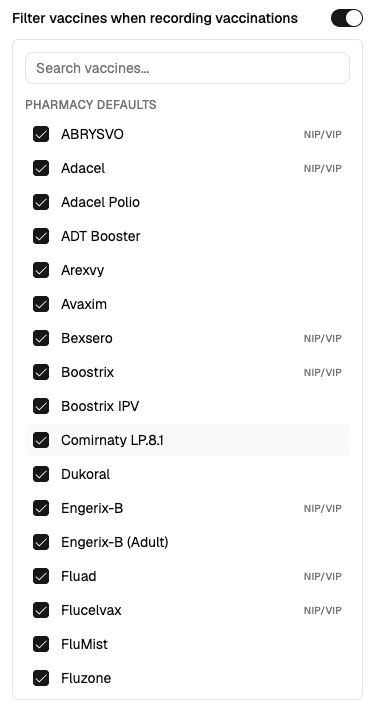
You can now manage a default vaccine list for your site that controls which vaccines appear when recording AIR encounters. This replaces the previous flat "vaccines in stock" list with a more flexible approach.
When you open Manage Defaults from the AIR integration card in Settings, you'll see vaccines grouped into Pharmacy Defaults (common vaccines pre-selected for you) and Other Vaccines. Toggle vaccines on or off to match what your pharmacy stocks. When recording an encounter, the vaccine dropdown will only show vaccines from your default set — and if the service has specific antigen codes, matching vaccines appear first under a Likely grouping.